

Overview
The Mutation Node modifies data in your database collections. Use it to create new records, update existing ones, or delete data.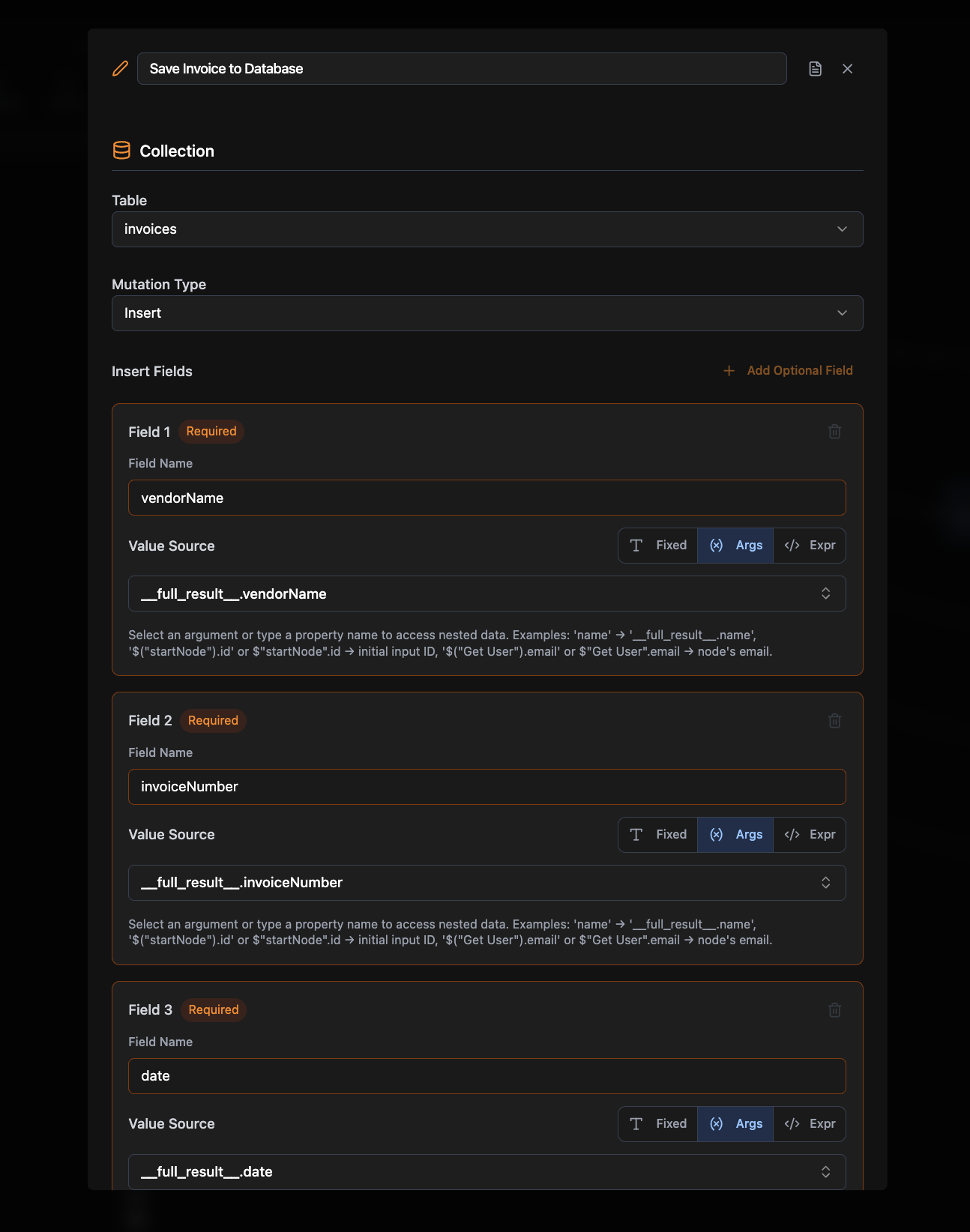
Required Configuration
Collection Name
The name of the collection/table to modify (e.g.,users, products)
Mutation Type
Select one of:- Insert: Create new records
- Patch: Update specific fields on an existing record
- Delete: Remove records
Type-Specific Data
Each mutation type requires specific configuration:- Insert: At least one field mapping (field name + value + mode)
- Patch: A Document ID to identify which record to update, plus at least one patch field (field name + value + mode). The Document ID supports Fixed, From args, and Expression value modes.
- Delete: A Delete Scope to choose between deleting a single document or an entire table
Optional Configuration
- Requires Auth: Whether this node needs user authentication (default: false)
Connections
Mutation nodes produce data (mutation results) and can connect to:- Business logic nodes (Query, Agent)
- Frontend Element nodes (output results)
Common Use Cases
User Management. Create new accounts, update profiles, or delete users. Content Management. Add, edit, or remove posts, products, or other content. Data Processing. Save form submissions, update preferences, or process transactions. Bulk Operations. Create or update multiple records from imported data.Example Workflows
- User Registration: Frontend Element → If-Else (validation) → Mutation (Insert User) → Return Results
- Profile Update: Frontend Element → Mutation (Patch User) → Return Results
- Data Import: Frontend Element → For Loop → Mutation (Insert Records) → Return Results
Related Nodes
Collection Node
Define the database schema that mutations modify
Query Node
Read data from collections